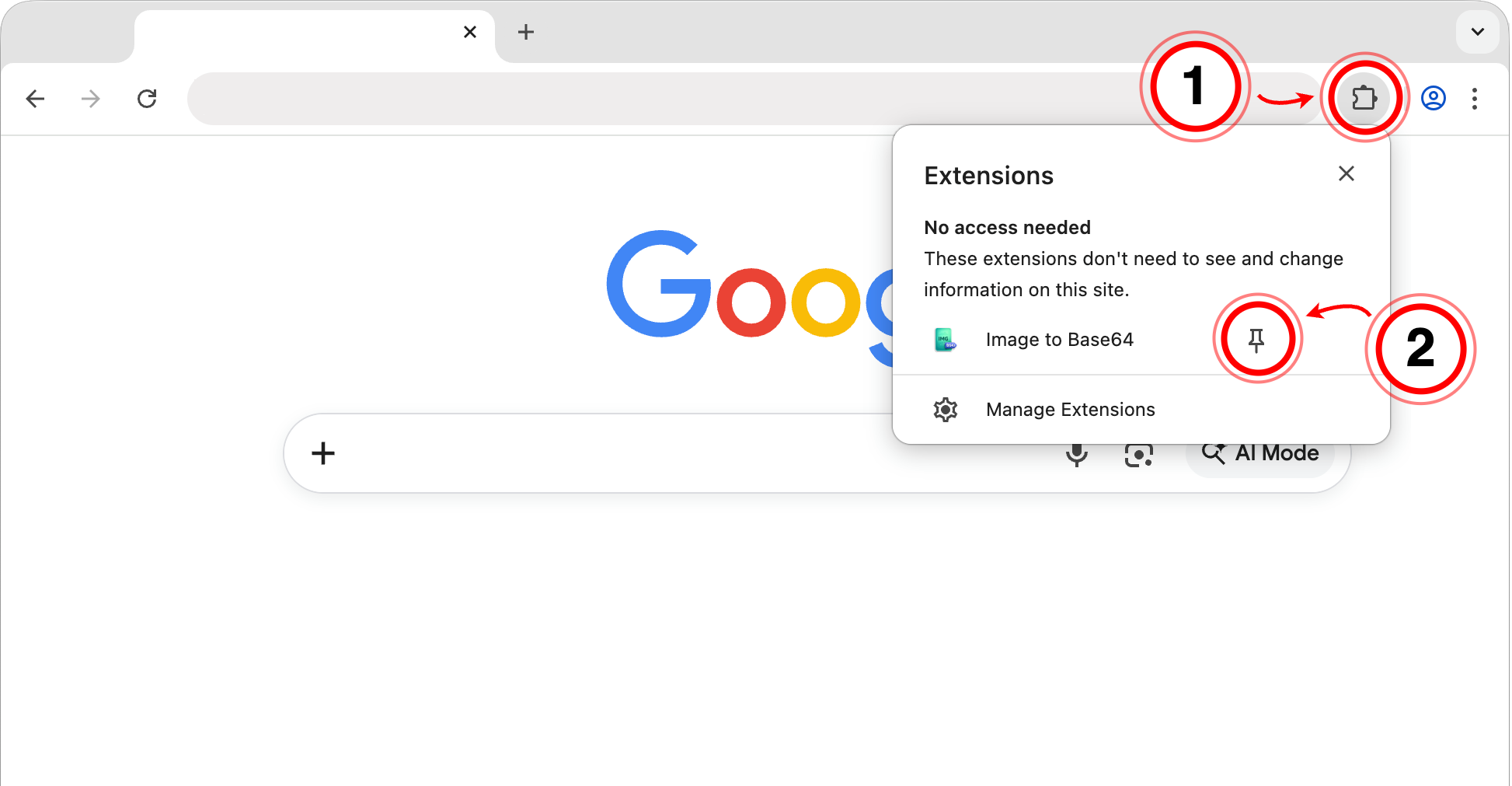
Click the puzzle piece (1) in the top right of your browser. Then, click the little pin (2) next to the extension:
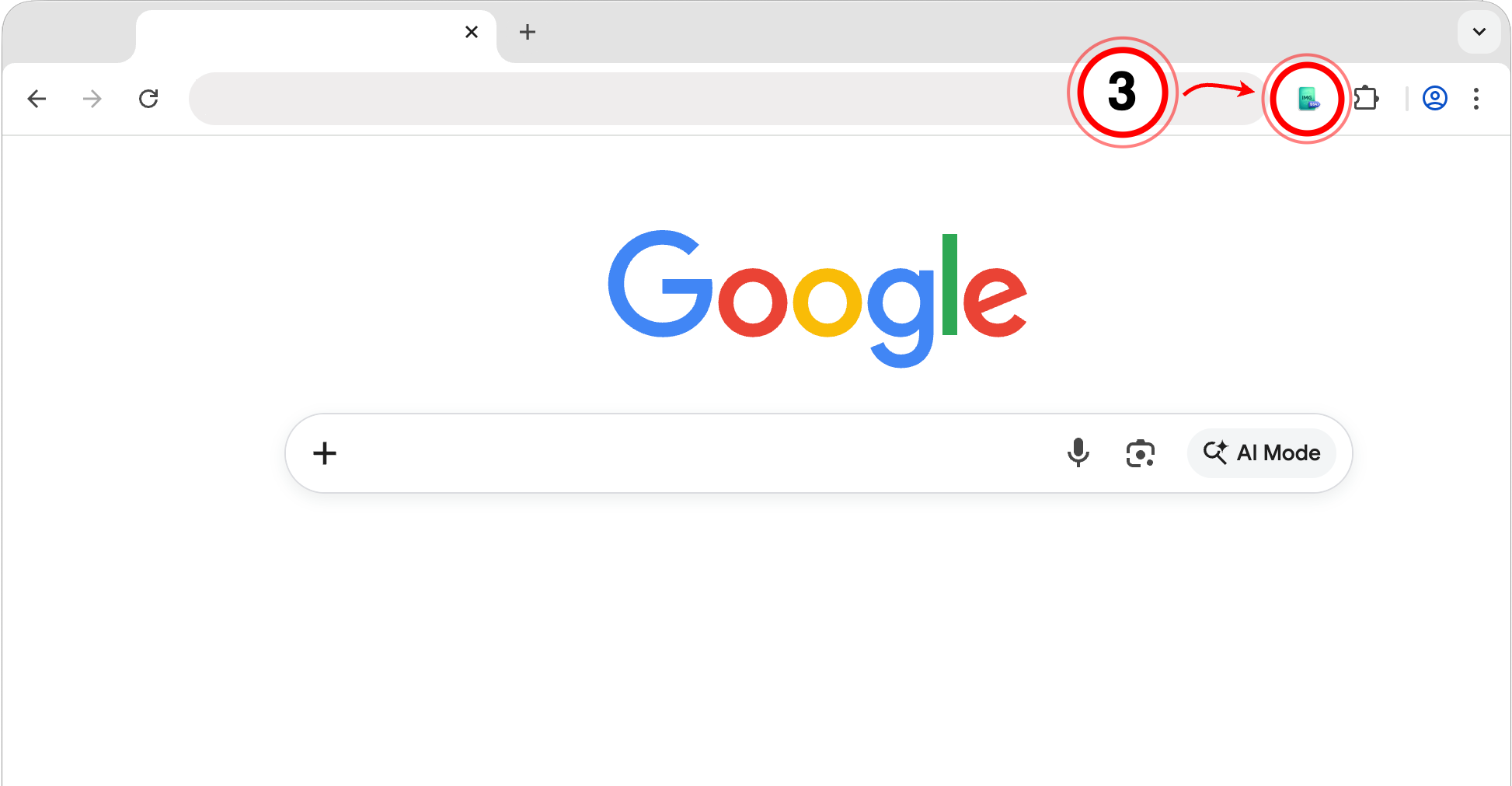
Open the extension (3) on any page to convert images to Base64 — or decode Base64 back to images:

Convert images to Base64 — and back. Get started in 3 simple steps
Click the puzzle piece (1) in the top right of your browser. Then, click the little pin (2) next to the extension:
Open the extension (3) on any page to convert images to Base64 — or decode Base64 back to images: