 Image to Base64
Add to Chrome
Image to Base64
Add to Chrome
Image to Base64
Add to Chrome
Image to Base64
Add to Chrome
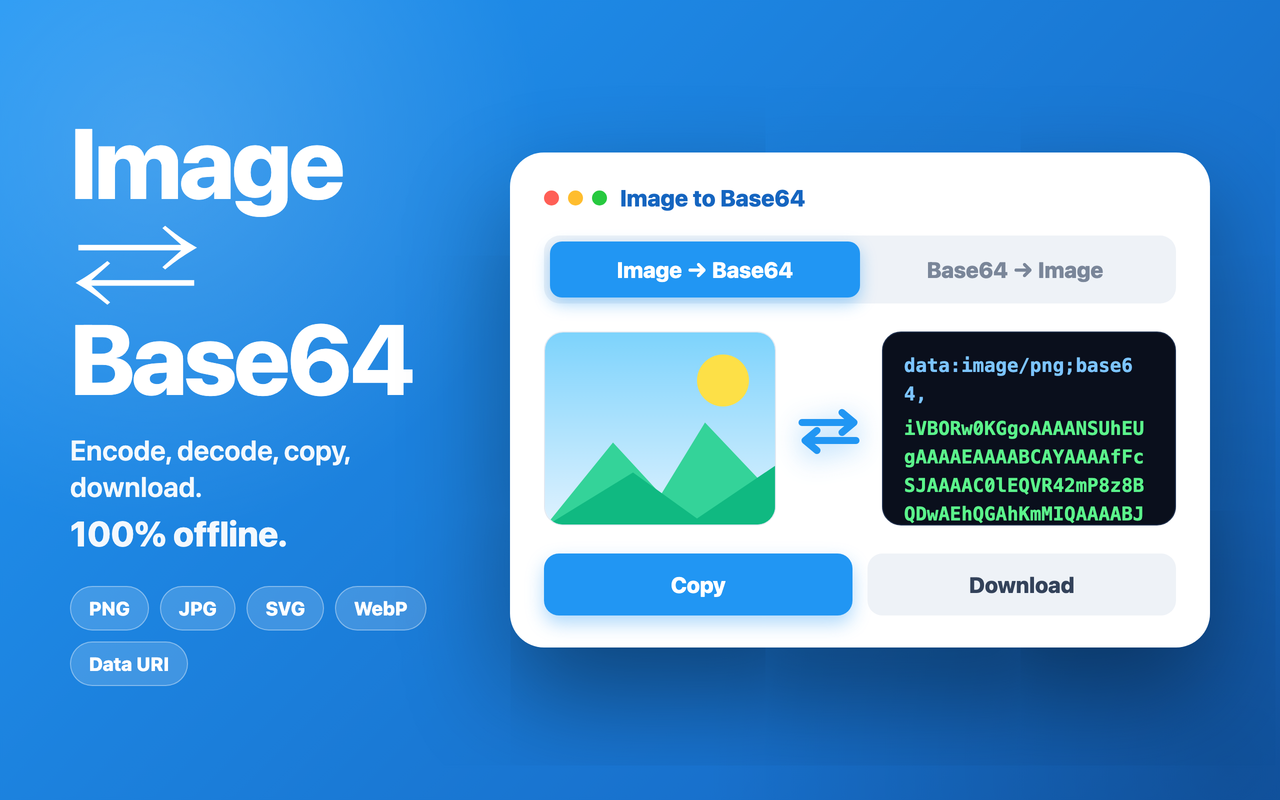
Convert images to Base64 — and decode Base64 back to images. Drag & drop a file or paste a string, then copy or download in one click.
 Add to Chrome
Need to embed a base64 image directly in your HTML, CSS, or JSON? Image to Base64 is a fast base64 encoder that converts any picture — including SVG — into a compact data URI you can paste anywhere, with no server uploads and no external hosting.
Need to go the other way? Paste a data URI or raw base64 string and base64 to image decodes it back into a real picture you can preview and download. The output format is detected automatically, with a manual override when you need it.
Everything runs entirely in your browser, so your files never leave your device. Switch between Data URI, Markdown, HTML, CSS, and JSON presets depending on where you need the result — whether you're embedding icons, generating placeholders, or recovering an image from a string.